

Introduction
When you left the house, did you think, “Did I turn off the lights?” Or were you shocked when you saw how much your energy bill cost?
In 2026, many families are solving these problems with smart home technology. With the right setup, your home can adjust lights, temperature, and security automatically. You might even be able to save money each month.
In this guide, you will learn how techoelite smart homes systems work, what devices you really need, how much they cost, and how they can lower your energy bills. Everything is explained in simple language so anyone can understand it.
What are Techoelite Smart Homes?
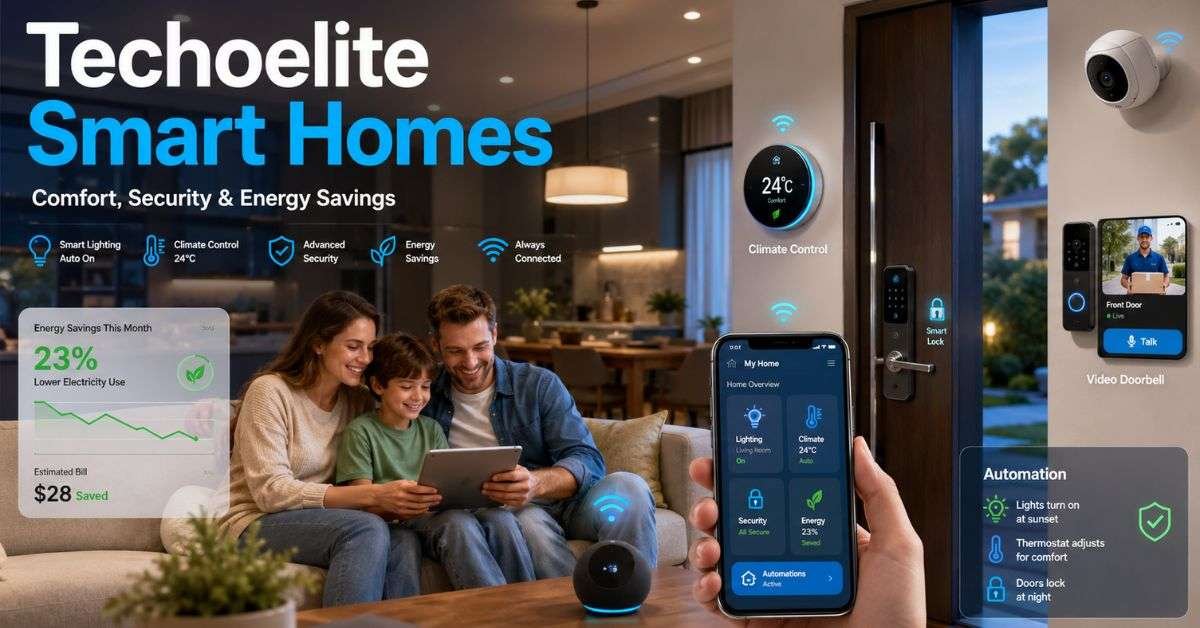
Techoelite smart homes are houses that use internet-connected devices to control lights, heating, cooling, security, and appliances. These devices talk to each other and can be managed using a phone app or voice assistant. Instead of turning everything on and off yourself, the system can do it automatically.
For example:
- Lights turn on when you walk into a room.
- When you leave, the switch turns down the heat.
- Doors lock automatically at night.
In 2026, smart homes are no longer just for tech lovers. Many new houses are built with smart systems already installed. Families choose them for comfort, safety, and lower energy bills.
How do Techoelite Smart Homes Work?
To understand techoelite smart homes, think of them as a team of devices working together.
There are three main parts:
- Smart devices (like lights, cameras, thermostats)
- A central hub or cloud system
- A mobile app or voice control
Here’s a simple example. When you leave for work:
- Your phone’s location tells the system you are away.
- The thermostat lowers heating or cooling.
- Lights turn off.
- Security system turns on.
All of this happens automatically. In 2026, many systems use a standard called “Matter.” This allows devices from different brands to work together smoothly. That means fewer problems and easier setup.
Devices You Need to Get Started
You don’t need to buy everything at once. Most people start small and add more devices later. Here are the most important devices for beginners:
- Smart thermostat
- Smart lights or smart switches
- Video doorbell
- Smart lock
These four items can already make a big difference in comfort and security. Below is a simple table to help you understand what each device does.
Essential Smart Home Devices in 2026
| Device | What It Does | Main Benefit |
| Smart Thermostat | Controls heating and cooling | Saves energy and money |
| Smart Lights | Turns lights on/off automatically | Reduces electricity waste |
| Video Doorbell | Shows who is at your door | Improves safety |
| Smart Lock | Locks/unlocks using phone or code | Extra security and control |
Many homeowners who install these basics say they feel more in control of their home.
How Techoelite Smart Homes Save Energy
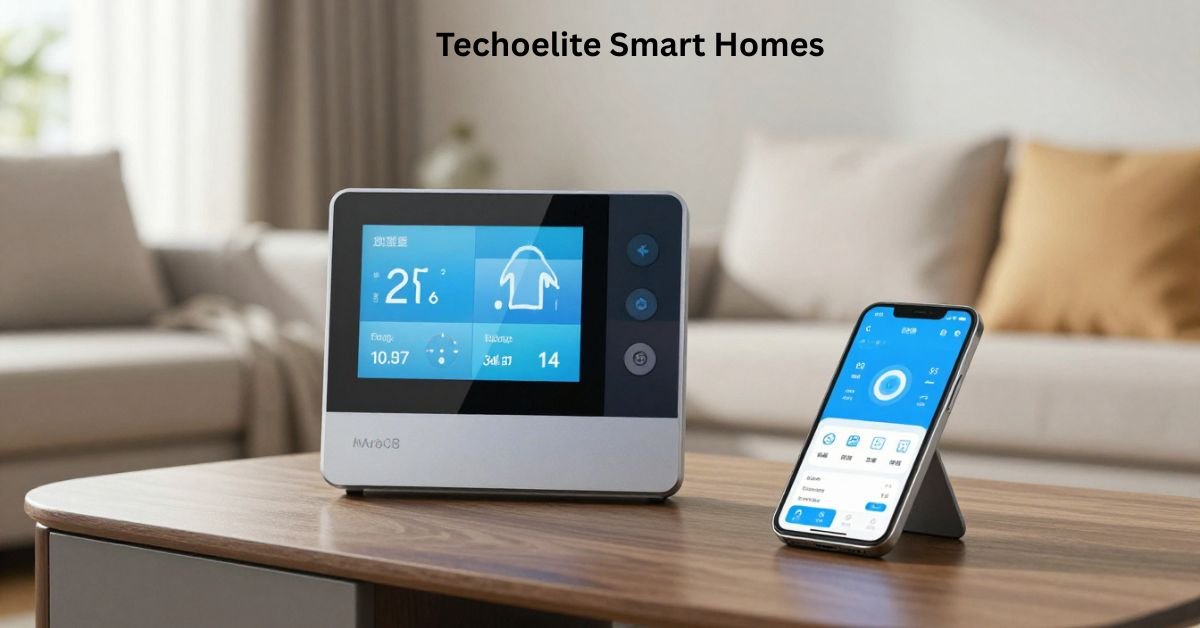
One of the biggest reasons people choose techoelite smart homes is energy savings. Heating and cooling use the most power in most houses. A smart thermostat learns your schedule and adjusts automatically. It does not cool or heat an empty house. Smart lights also help. They turn off when no one is in the room. Many use LED technology, which uses much less electricity.
In 2026, energy experts report that smart climate systems can reduce heating and cooling costs by 10% to 20%, depending on usage and climate. Small changes like these add up over time. Even turning off unused devices automatically can lower monthly bills.
Security Benefits for Families
Safety is another major reason people install techoelite smart homes systems. Modern smart security features include:
- Cameras with motion alerts
- Smart locks with temporary access codes
- Door and window sensors
- Real-time alerts on your phone
If someone rings your doorbell, you can see and talk to them from anywhere. If a door opens unexpectedly, you get a notification instantly. Parents especially like being able to check when children arrive home from school.
It adds peace of mind without extra effort. Some insurance companies in 2026 even offer small discounts for homes with smart security systems.
How Much Do Techoelite Smart Homes Cost?
Cost depends on how big your system is. A small setup is affordable for many families. This is a simple list of 2026’s average prices.
Average Smart Home Costs in 2026
| Item | Average Cost (USD) |
| Smart Thermostat | $150 – $300 |
| Smart Lighting (per room) | $100 – $250 |
| Smart Doorbell | $100 – $250 |
| Smart Lock | $150 – $350 |
| Full Basic Setup | $700 – $1,500 |
A larger home with full automation may cost more. Professional installation also increases the price. However, when you add energy savings and possible insurance discounts, many systems pay for themselves in a few years.
Easy Installation: DIY or Professional?
You can install many smart devices yourself. Most come with step-by-step instructions and mobile apps that guide you.
DIY installation is best for:
- Small apartments
- Simple lighting upgrades
- Smart plugs and doorbells
Professional installation is better for:
- Whole-home wiring
- Complex security systems
- Large houses
If you are not comfortable working with wiring, hiring a professional is safer. But many devices today are designed to be simple for beginners.
Daily Life with Techoelite Smart Homes
Living in a connected home makes daily routines easier.
In the morning:
- Lights slowly brighten like sunrise.
- The coffee machine turns on automatically.
- The thermostat adjusts to a comfortable temperature.
At night:
- Doors lock automatically.
- Lights turn off.
- Security system activates.
Techoelite smart homes systems can also learn your habits. If you usually lower the temperature at night, the system may start doing it for you. Over time, your home feels more helpful and less stressful.
Are Smart Homes Safe from Hackers?
Security is important when devices connect to the internet. The good news is that modern systems in 2026 use strong encryption. Still, you should follow simple safety steps:
- Use strong passwords
- Turn on two-factor authentication
- Keep devices updated
- Use a secure Wi-Fi network
When set up properly, connected homes are very secure. Most problems happen when users forget basic safety steps.
The Future of Techoelite Smart Homes
The future looks exciting for techoelite smart homes technology. In 2026 and beyond, homes are becoming even smarter. New features include:
- Solar panel integration
- Smart battery storage
- Electric vehicle charging control
- Air quality monitoring
- Water leak detection
Homes are starting to connect with local power grids. This helps reduce electricity use during peak hours and saves even more money. Soon, houses may adjust energy use automatically based on weather forecasts and electricity prices. The goal is simple: more comfort, less waste.
FAQs
How much money can a smart home save?
Most homes save 10% to 25% on heating and cooling costs.
Do I need the internet for a smart home?
Yes, most devices need Wi-Fi to work properly.
Can I install devices myself?
Yes, many starter devices are easy to install without professional help.
Are smart homes safe for families?
Yes, if you use strong passwords and keep software updated.
Does a smart home increase home value?
In many areas, connected features can make a home more attractive to buyers.
Conclusion
In 2026, smart home technology is easier and more affordable than ever. With the right setup, techoelite smart homes systems can improve comfort, increase security, and lower energy bills. You don’t need to buy everything at once. Start with a smart light or heater. See how it works for your family. Then add more devices over time.
A connected home is not just about technology. It is about saving time, reducing stress, and making daily life smoother. If you are ready to make your home smarter, begin with one simple upgrade this month. You can save a lot of money tomorrow by taking small steps today.